Which devices does FlyVibe run on?
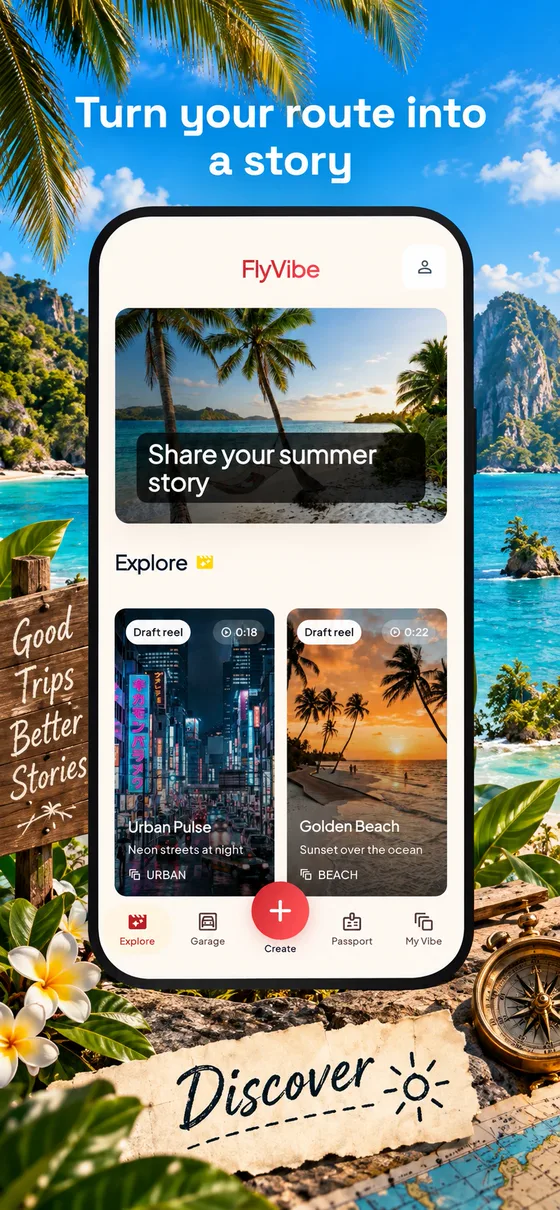
FlyVibe is built for iPhone and Android. Download it from the App Store or Google Play.
Do I need an account?
No. You can continue as a guest and start building straight away. Later, from your profile, link your account with email, Apple, Google or Facebook to keep your trips safe.
Where is my video made?
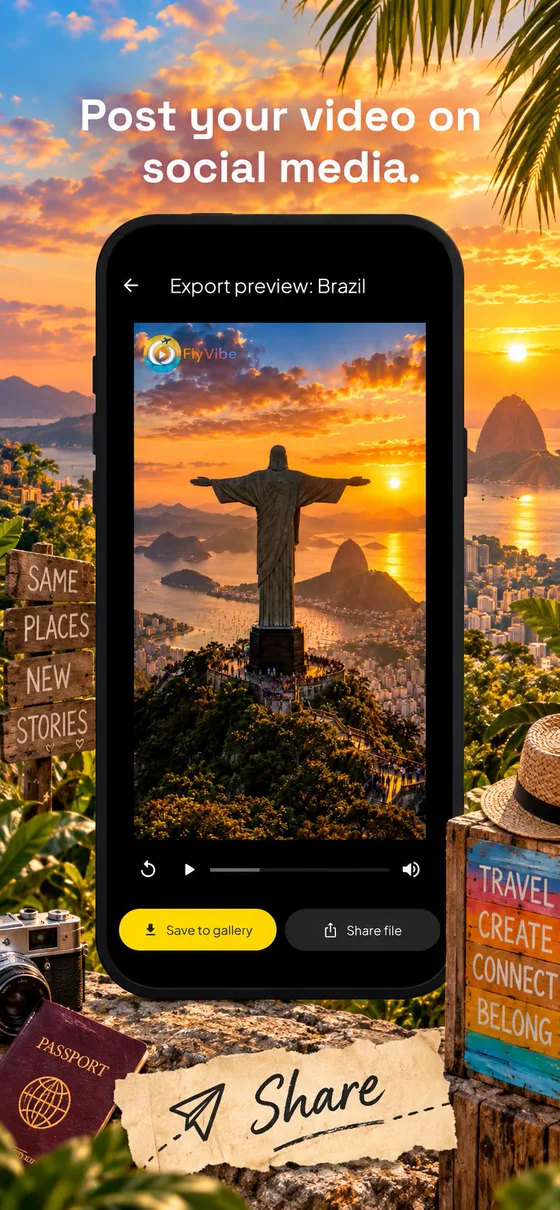
The final film is rendered on your device, then you decide whether to save it to your gallery or share it.
Can I use photos and music?
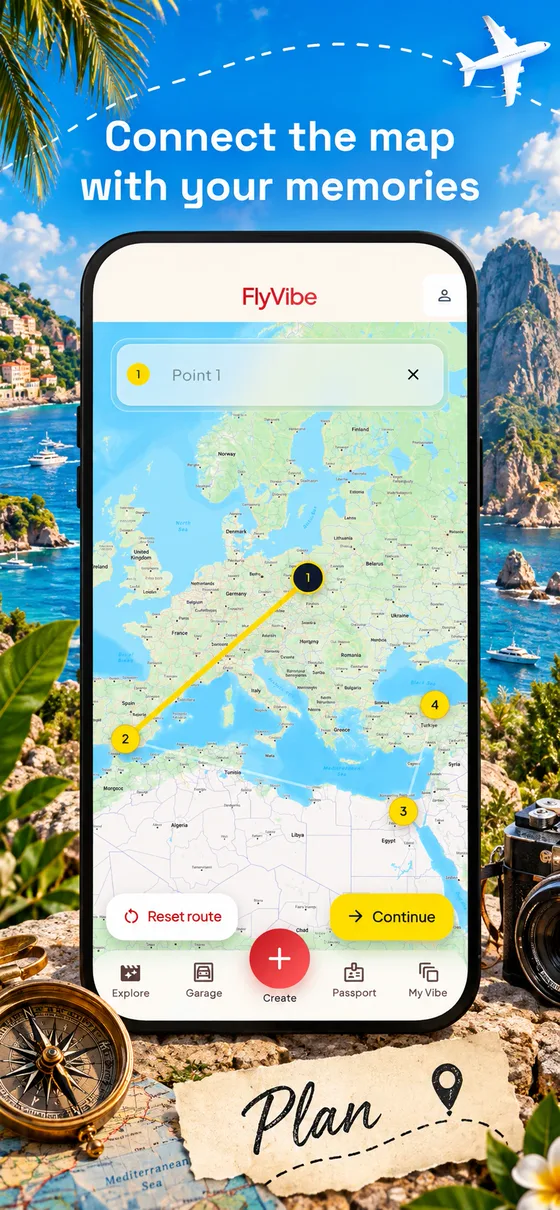
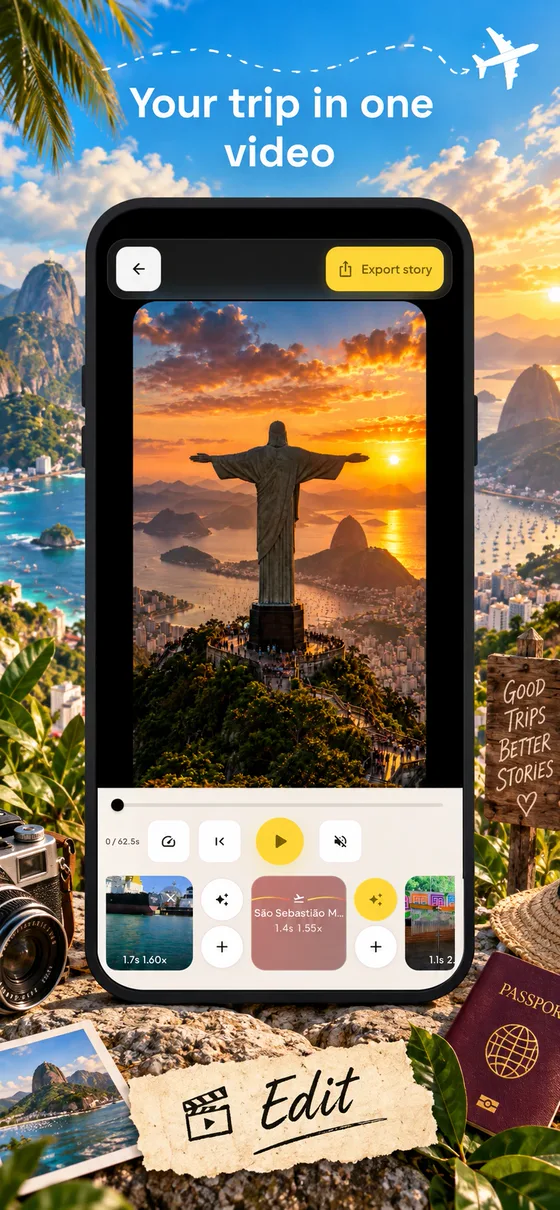
Yes. Each stop can hold videos or photos from your gallery, and you can mix both in one story and put music under it.
What are the Free limits?
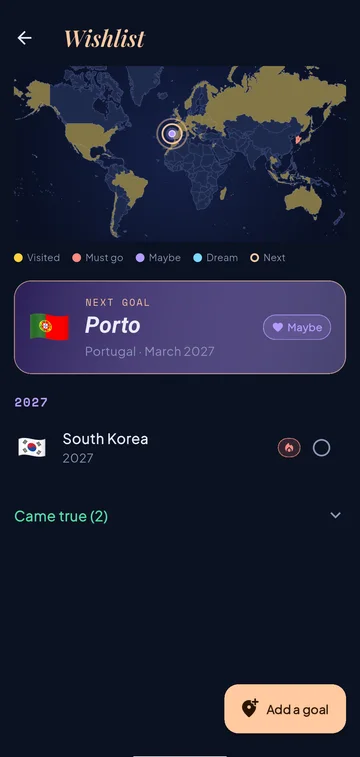
Free reels can have up to 6 map points and 10 clips or photos, exported in 720p with the FlyVibe logo. Free also covers Flyback, FlyPost and passport trips for the last 12 months, and up to 10 Wishlist goals. Pro removes the limits, exports in 1080p HD and lets you turn the logo off.
What is Flyback?
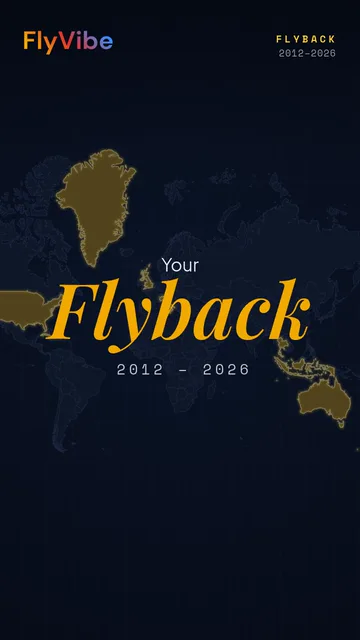
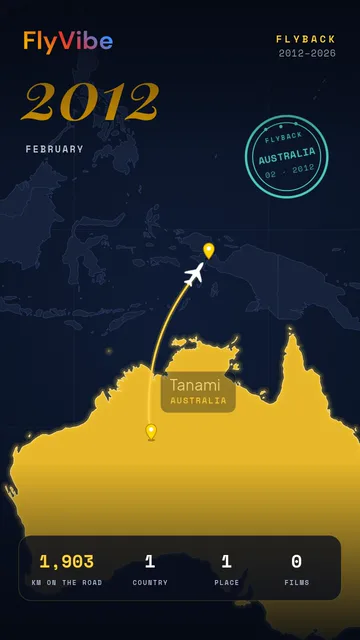
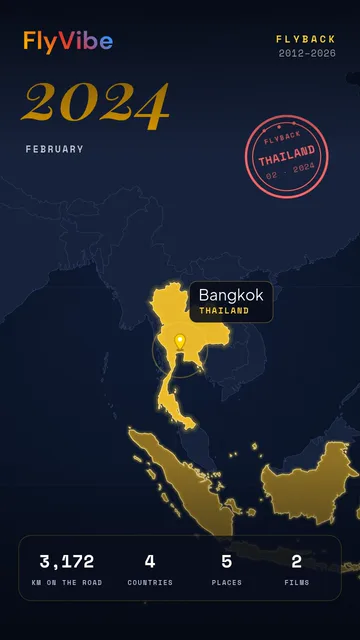
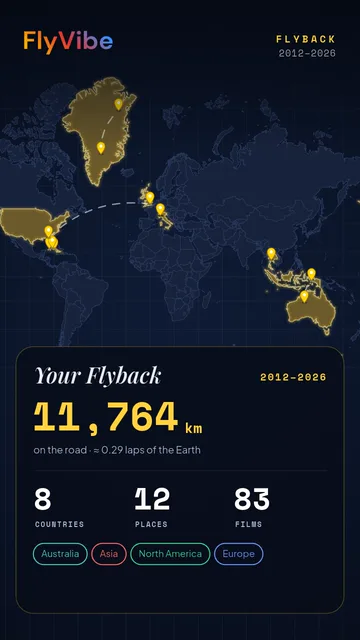
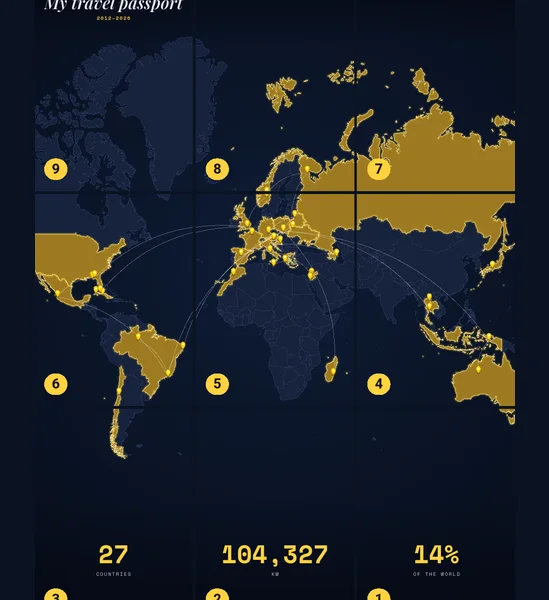
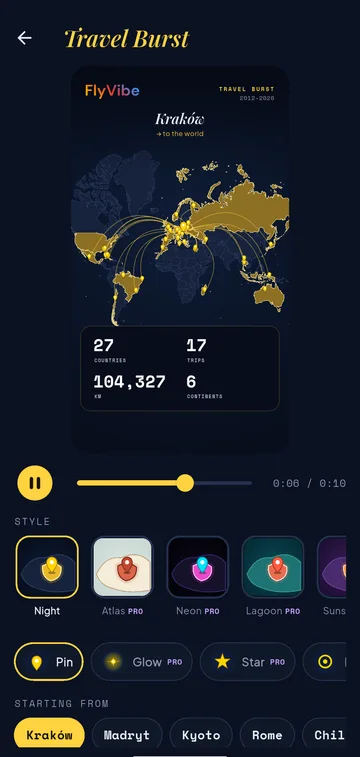
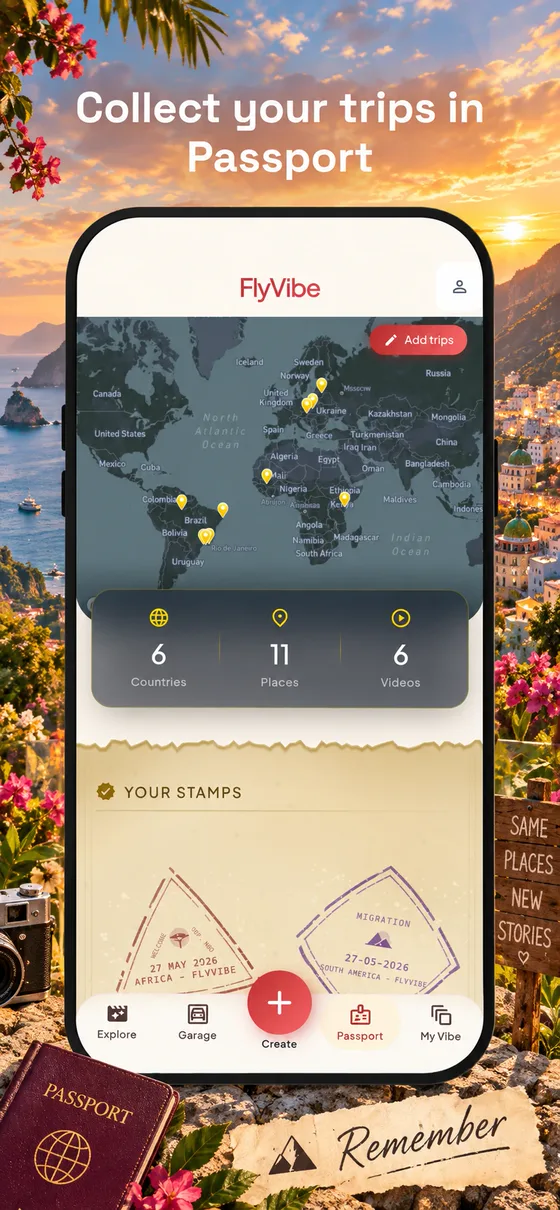
Flyback is an animated recap of your Passport. FlyVibe plays your trips year by year on a world map, lights up the countries you visited, stamps each new one and counts your kilometres, places and films. Free covers your last 12 months of trips, Pro covers all years or any single year.
How do I get 6 months of Pro for my reel?
Send us your best reel through the form above. If we feature it in Inspiration, you get Pro for 6 months.
What is FlyPost?
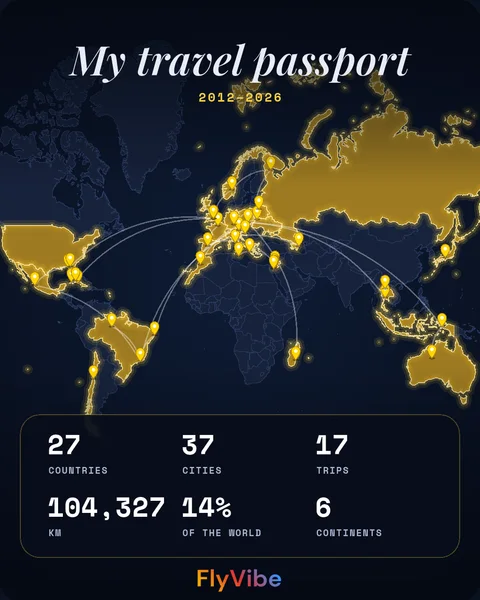
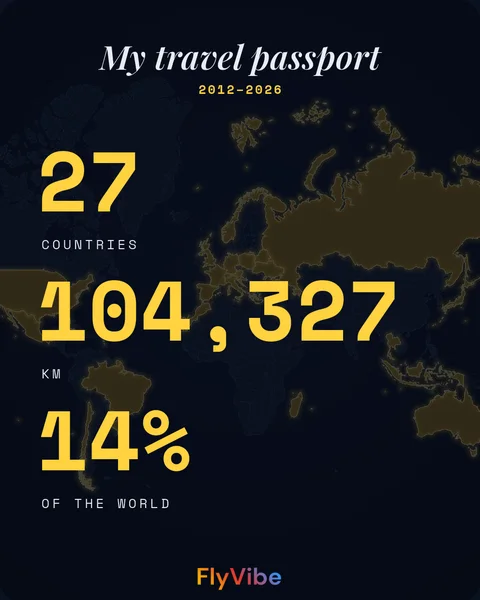
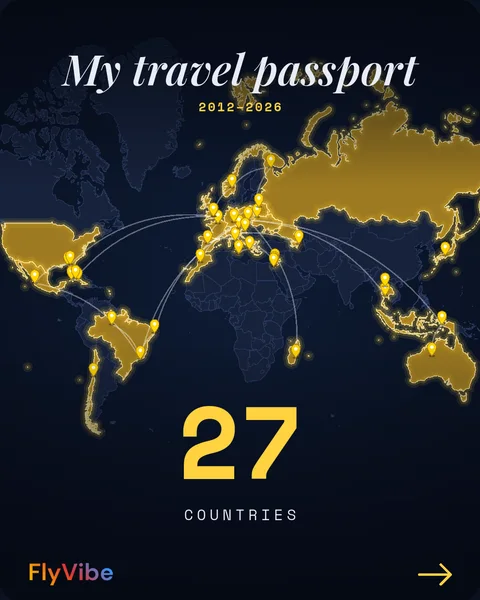
FlyPost turns your Passport into images for social media: a 4:5 post, a numbered carousel, Story cards, a Travel Wall that joins into one picture on your profile, a Then and Now comparison and a 9:16 animated post for Reels and TikTok, each with a ready caption. Free covers your last 12 months, Pro every year, a single continent and every look.
How do I delete my account?
From your profile in the app, or on the account deletion page. Questions? Visit Support.